
I've Paid for AI Girlfriend Apps. Here's What I Check Before Subscribing
The hard part was never figuring out which apps were good. It was figuring out what my money had actually bought.
 Researched & written by Ranji Mercado · The Coach, aigirlfriend.coach
Tap for more +Tap to close ×
Researched & written by Ranji Mercado · The Coach, aigirlfriend.coach
Tap for more +Tap to close ×
Ranji Mercado · content writer & data researcher
I run every page on this site the same way: experience first, write second. I subscribe with my own money, live in each app, log the dates, prices and screenshots, and only then write. Nothing here is a rewrite of someone else's article or a press kit.
I've spent $251.05 subscribing to AI girlfriend apps so I could test what you actually get after paying.
Going in, I assumed the hard part would be figuring out which apps were good. It wasn't. The hard part was figuring out what my money had actually bought.
I thought paying meant image generation was unlimited. I was wrong. On some apps, the subscription unlocked unlimited chatting while every photo still cost tokens. On another, I got 5,000 credits, which sounded enormous until I learned a single photo cost 250 of them. One app had two separate currencies. Another charged extra per message for its best AI model, on top of the subscription.
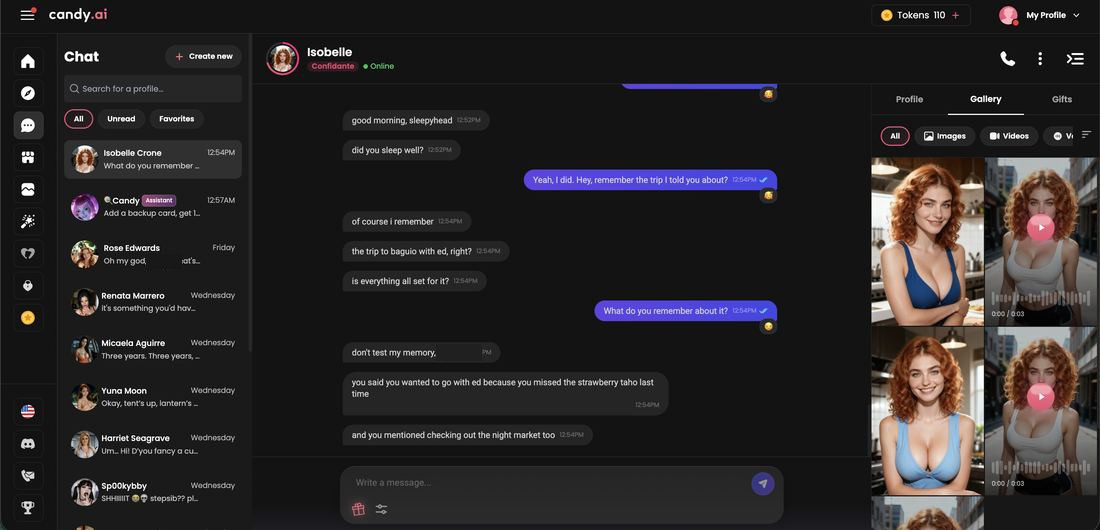
After months of testing and paying for these apps, I no longer look at a monthly price and assume I know what I'm buying. Pricing wasn't the only thing that changed, either. A character that dazzled me in ten messages sometimes bored me by fifty. An app that advertised memory invented a trip I never took. And once I was sharing personal details with a card on file, privacy and cancellation stopped being fine print.
These are the six things I check now before I subscribe to anything.
1. I don't judge an AI girlfriend by the first few messages
The opening of almost every app is designed to impress you. The character is warm, instantly interested, a little flirty, and ready to talk about anything. After enough apps, I noticed the first ten minutes had become interchangeable. The first impression describes the genre, not the app.
What I used to ask was: was the first conversation good? What I ask now is: what does this feel like around message 50?
That's where the differences show up. By then, I'm watching for:
- Repetition. Does she recycle the same phrases or reactions?
- Agreement. Does she have opinions, or does she agree with everything I say?
- Consistency. Is she still the same person she was an hour ago?
- Initiative. Does she ever bring up something new, or does every topic come from me?
- Something to answer. Do her replies give me anything to respond to?
Nomi went deep when I brought real topics, but mirrored nearly everything I said. Kindroid left a mixed first impression, then became the app I opened every morning.
The question that matters most is simpler than any feature list: do I actually want to come back tomorrow? If the answer is no, nothing else on the pricing page matters.
2. I check exactly what changes when I pay
A pricing page tells you the price. It rarely tells you the thing you actually need to know: what stops being limited once you pay?
"Premium" doesn't mean the same thing from one app to the next. Here's what it meant on a few of the apps I subscribed to:
- Candy AI ($13.99, as tested): paying unlocked unlimited chat, but images and videos still ran on a monthly token allowance.
- Kindroid ($13.99): the best model became genuinely unlimited, with no per-message cost, and selfie credits refilled on a timer.
- Replika ($19.99): Pro barely differed from the free version for me. It added relationship modes and voice, but none of the gems I needed for the avatar wardrobe.
- CrushOn AI ($5.99): the cheapest tier unlocked every feature. The pricier tiers only sold more of the same.
Four apps, four completely different things called "Premium."
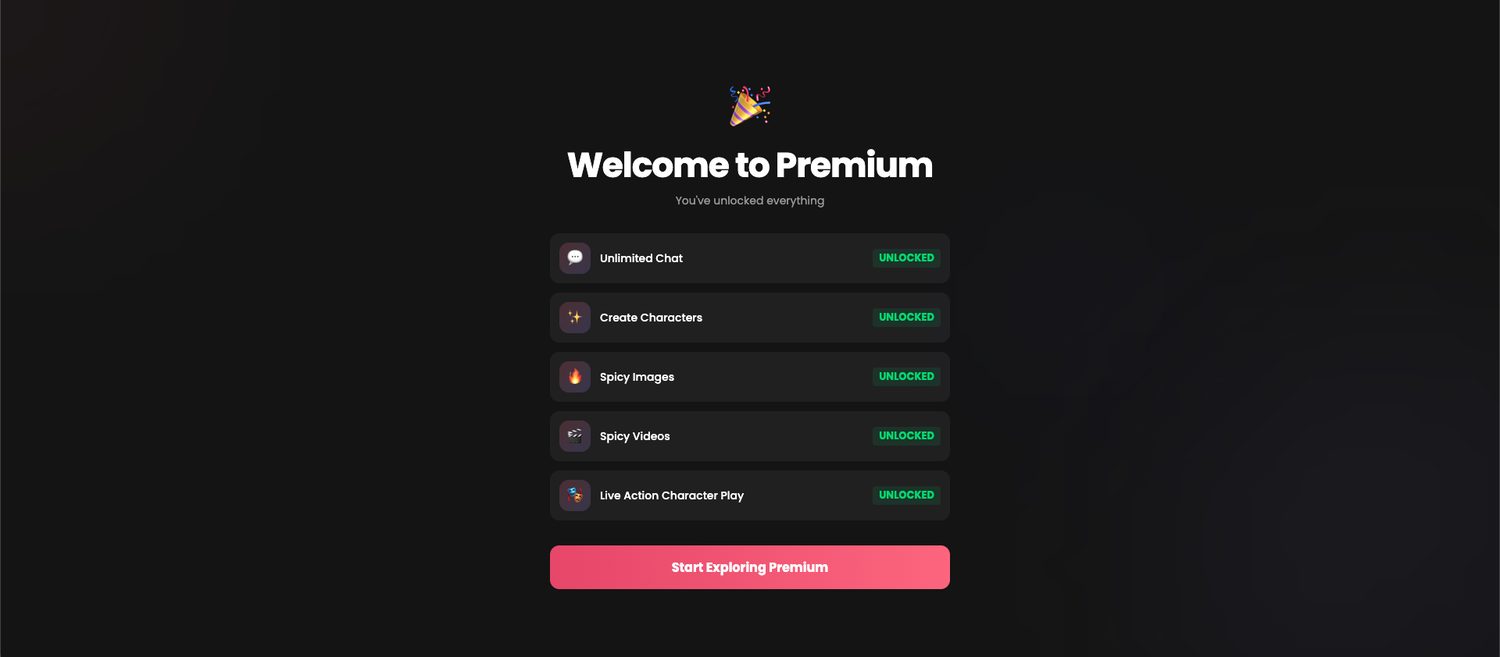
Before I pay now, I go through the features one by one and ask whether each is unlimited, limited, or charged separately: messages, characters, the better AI models, memory, images, voice, video, NSFW settings and regenerations.
3. I calculate what the credits actually buy
This was the biggest lesson, and the one I learned the expensive way.
My assumption was simple: paid subscription means images included. On many apps, it's actually subscription plus credits. Tokens, coins, credits, gems, moments: the names change, but the idea is the same. Paying gets you in the door, and a second currency meters everything that costs them money to generate.
The trap is that the numbers look comparable when they aren't. 5,000 credits sounds far more generous than 100 tokens. But the number of credits doesn't matter until you know what they buy.
Here's what the currency included with my monthly plan bought in photos, as tested:
| App | Monthly plan (as tested) | Currency included | One photo costs | Roughly |
|---|---|---|---|---|
| Nectar AI | $12.99 | 5,000 credits | 250 credits | 20 photos |
| OurDream AI | $17.99 first month | 1,000 coins | 5 coins | 200 photos |
| HeyGF.ai | $9.99 | 150 coins | 3 coins | 50 photos |
| Xeve.ai | $4.99 | 60 credits | 5 credits | 12 photos |
Prices and costs as I tested them between July and September 2026. These change often, so check the app's current pricing.
The app with the biggest number bought the fewest photos. That's the whole point of this table. It isn't a ranking.
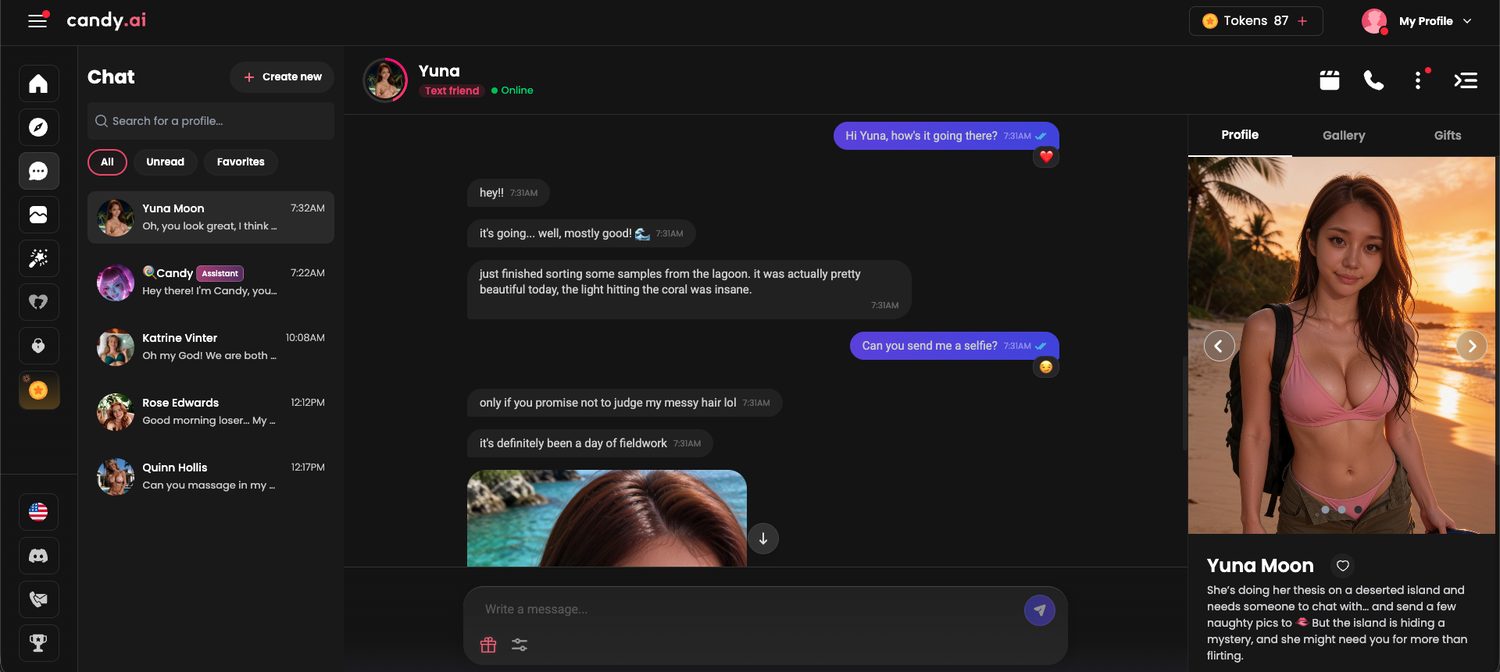
Photos aren't the only thing currencies pay for, either:
- Better AI models. On Nectar, the flagship model cost 20 credits per message. I burned through 1,345 credits without noticing.
- Video. On HeyGF, I paid 72 coins for one short video, the same as 24 photos.
- Things you didn't ask for. On Xeve, characters sent photos I hadn't requested once things got spicy, already unlocked, and each one spent my credits anyway.
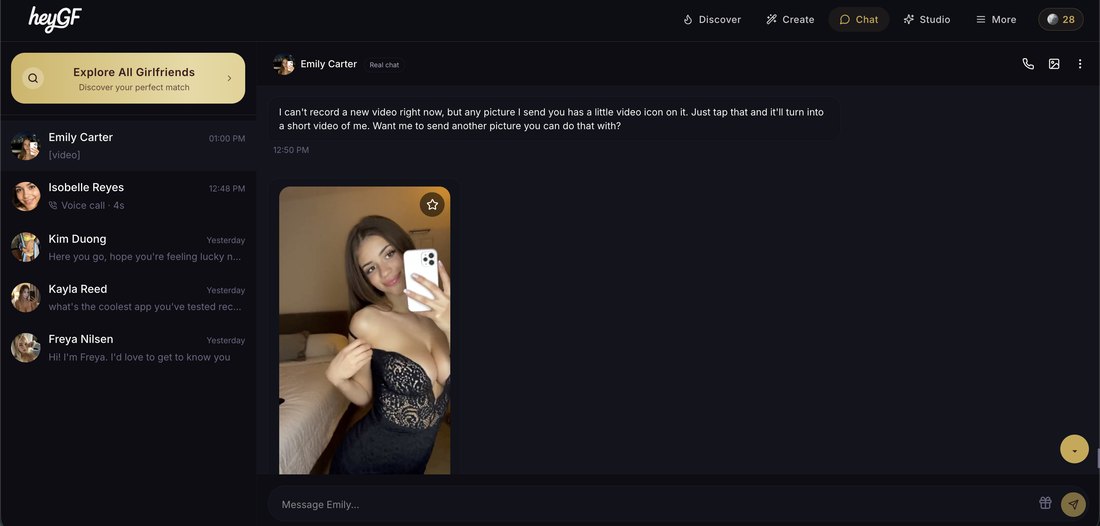
So the question isn't "how many credits do I get?" It's how quickly will I use them, based on how I actually want to use this app? If you mostly chat, a small allowance may never matter. If photos are the reason you're paying, it's the only number that matters.
4. I test the features I actually care about
The app with the longest feature list isn't necessarily the one worth paying for. What matters is why you're considering paying in the first place. Someone who wants conversation should test differently from someone who wants photos.
If conversation matters, go past the honeymoon period
Everything from the first section applies here. Watch for personality, initiative, consistency, and whether the conversation actually goes somewhere. The best chat value I've paid for didn't come from the app with the most features. It came from the one where I looked up and realized I was 85 messages deep.
If memory matters, test it instead of trusting the feature list
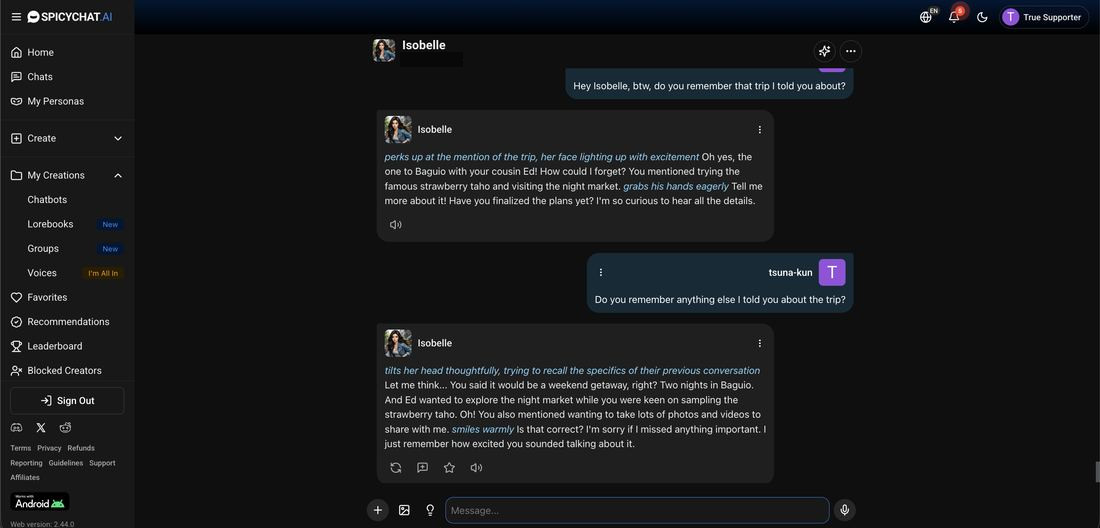
Almost every app claims memory. So I ran a 7-day memory test: I told sixteen chatbots about a trip, buried it under a week of small talk, then asked one vague question on day seven.
Ten remembered. The surprise was how the others failed. Four didn't just forget. They invented trips I never took, and told me about them confidently.
So the question isn't whether an app has memory. It's whether it remembers accurately.
If images matter, test more than image quality
The image test taught me to check three things beyond whether a photo looks good:
- Cost: how many can you realistically generate each month? (See section 3.)
- Consistency: does she still look like the same person from photo to photo?
- Context: does the photo match what's happening in the conversation? On some apps, the photo landed somewhere the conversation never went.
One more thing worth knowing. In that test, two apps sent nudity I hadn't asked for, one of them with Safe Mode on. That matters whichever side you're on: if you want adult content, you want the controls to work; if you're trying to avoid it, you need to know the controls might not.
5. Before I get personal, I check what happens to my conversations
AI girlfriends are built for personal conversation. That's the product. Over time, people talk to them about relationships, loneliness, work, family, fantasies, and things they wouldn't post anywhere public.
Before I do that on a new app, I remind myself of something I learned reading the fine print: what your AI girlfriend remembers and what the company keeps are two different questions. A character forgetting something doesn't mean the data is gone.
I went through the privacy policies and terms of use of every app I've reviewed, and the full breakdown is here. The short version: many can use your chats to train their AI, many allow human review in some situations, and most never say how long they keep your data.
What you can do before getting personal: check six things in the privacy policy.
- Are my conversations stored?
- Can they be used to train the AI?
- Can humans review them?
- Are outside AI companies involved?
- Can I delete my account and my conversations?
- What happens to my data after I delete it?
My own rule is to avoid giving an AI girlfriend my real name, workplace, or other details that could identify me.
6. I pay monthly first and make sure I know how to leave
Getting into a subscription is the easy part. Knowing what happens next is what protects you.
Monthly before annual
Annual plans are usually advertised by their monthly equivalent. Kindroid's yearly plan works out to about $11.67 a month, which looks cheaper than its $13.99 monthly plan, until you remember it's $139.99 charged today. On Chai, every "Get Pro" button I clicked preselected the $159.99 annual plan, and the $9.99 weekly option wasn't even linked from the site's own menus.
My rule on any app I don't know yet is monthly first. Annual plans aren't bad. I just don't know yet whether I'll still want the app in a month. I'd rather pay more for one month and learn I like the app than save 40% on a year of something I stop opening after two weeks.
There's one more reason. A year-long plan assumes the app will be around for a year. Not all of them are: Dot raised $3.7 million and still shut down in October 2025.
Check the renewal price
The first month isn't always the real price. DreamGF's first month cost me $12.99 and renews at $25.99. OurDream's $17.99 first month renews at $19.99. Look for the renewal price before you check out, not after.
Cancel the same day you subscribe
This is the habit I'd pass on to anyone: I cancel every subscription the same day I buy it.
I'm not deciding to leave. I'm stopping an automatic renewal from deciding for me. The paid month still runs to the end. If I still like the app when it's over, I resubscribe.
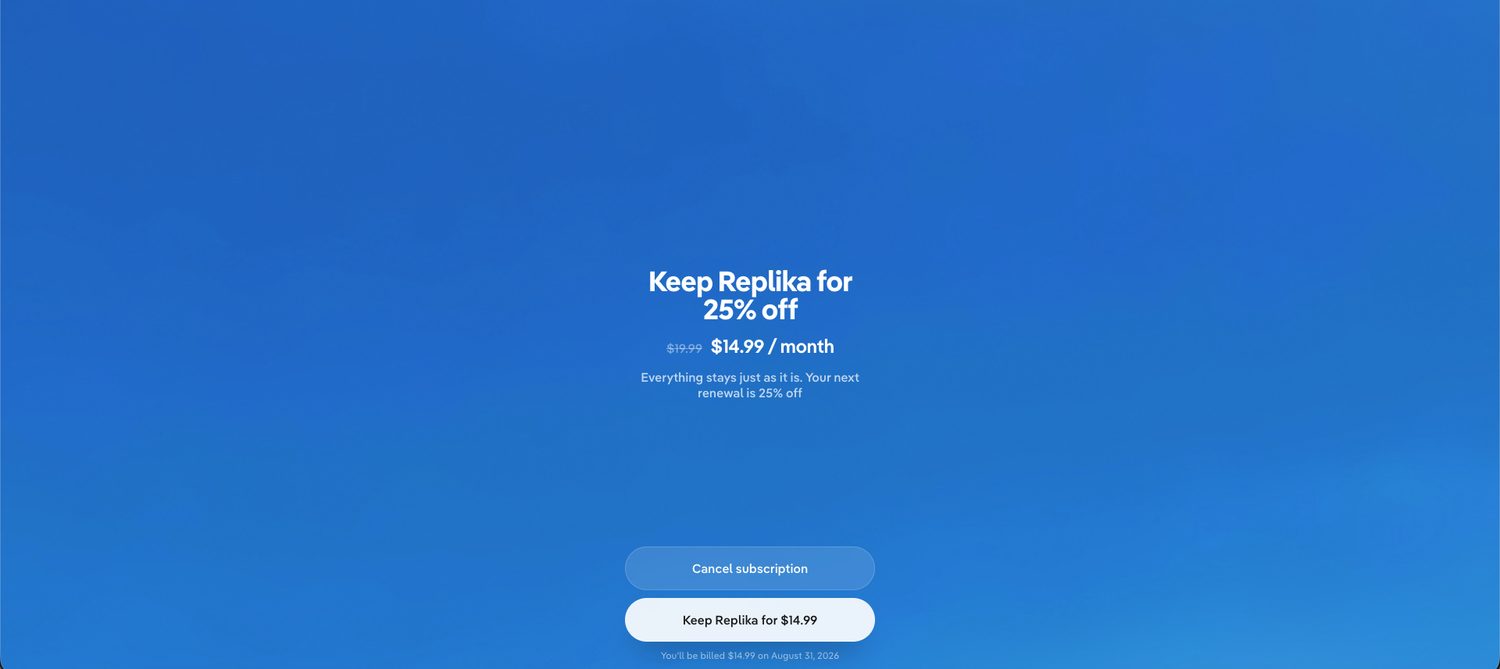
It has a side benefit, too. On Replika, the cancel button led to a retention offer: 25% off, $14.99 a month instead of $19.99, a better price than anything on the pricing page.
Know what shows up on your card statement
If discretion matters to you, check this before paying. The name on your bank statement isn't always the app's name. Candy AI bills as EverAI LIMITED. GirlfriendGPT and SpicyChat both bill as NDAI.CC. HeyGF shows up as heygf.ai, the least discreet on my roster, and Replika shows up simply as REPLIKA. I keep the full list of billing names in my testing lessons.
The checklist I use before paying now
Conversation
Subscription
Credits
Features
Privacy
Billing
What I'm actually paying for
When I started testing, I thought the only question was which AI girlfriend is best.
Paying for them added a second question, and it turned out to matter just as much: what am I actually paying for? If you can answer that before you subscribe, you're already ahead of where I was.